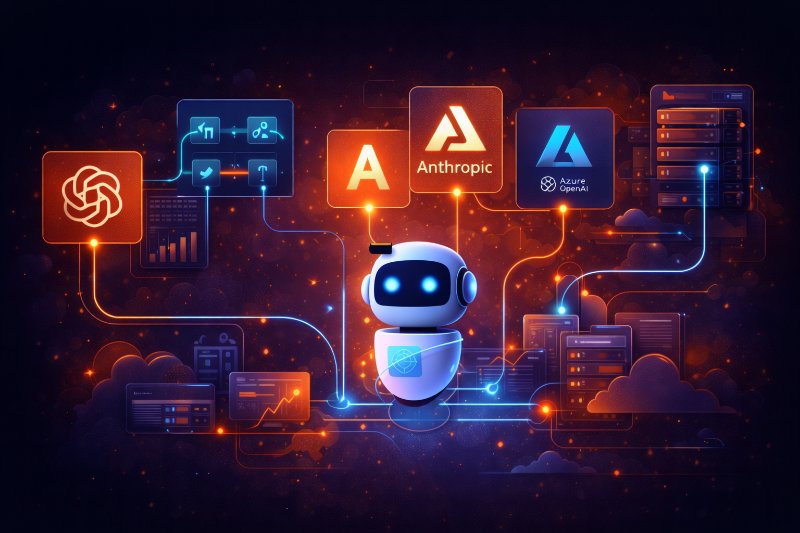
Top 6 AI API Services to Use in Your App (and How to Connect Them)
At some point, every AI-powered app hits the same question.
“Which AI API should we actually use?”
Not which model is smartest.
Not which demo looks coolest.
But which service won’t break your app, your budget, or your sanity.
I’ve connected apps to most of these through real projects and AI consulting work.
Here’s a practical, builder-first look at the AI API services that actually make sense in production—and how teams usually wire them in.
Start With the Reality of AI APIs
An AI API is not just an endpoint.
It’s a dependency with opinions.
You’re signing up for:
- Pricing models
- Latency behavior
- Rate limits
- Failure modes
Choosing the API shapes your architecture more than your prompt does.
1. OpenAI API (Direct Integration)
This is where most teams start.
For good reason.
Typical use cases:
- AI chatbots and assistants
- Text generation and summarization
- Classification and tagging
- Internal tools and copilots
How teams usually connect it:
- Backend service calls OpenAI directly
- Prompts stored and versioned server-side
- Streaming enabled for user-facing responses
It’s simple, powerful, and well-documented.
Just don’t hardcode assumptions about speed or output format.
2. OpenRouter (Model Routing Layer)
OpenRouter is not a model provider.
It’s a routing layer.
Why teams use it:
- ➤ Access multiple models via one API
- ➤ Easy model switching and fallbacks
- ➤ Cost optimization without code rewrites
Common setup:
- App talks only to OpenRouter
- Model choice handled via config
- Automatic fallback when one model fails
This works especially well in AI consulting projects where vendor risk needs to stay low.
3. Anthropic API (Claude Models)
Claude shows up a lot in apps that care about tone and reasoning.
Typical use cases:
- Long-form responses
- Safer conversational flows
- Internal knowledge assistants
Integration pattern:
- Separate service for “reasoning-heavy” tasks
- Lower temperature, stricter prompts
- Output validation on every response
Teams often pair Anthropic with another provider rather than relying on it alone.
4. Azure OpenAI (Enterprise-Focused)
Azure OpenAI is about control, not novelty.
Where it fits best:
- Enterprise environments
- Compliance-heavy industries
- Internal corporate tools
How apps connect:
- Backend service inside Azure
- Private networking and auth
- Centralized logging and monitoring
The models are familiar.
The operational constraints are not.
Plan extra time for setup.
5. Self-Hosted or Open Models (Advanced Teams)
Some teams don’t want external dependencies.
Or can’t have them.
Common motivations:
- Cost control at scale
- Data residency requirements
- Custom fine-tuning
Typical architecture:
- ➤ Dedicated inference service
- ➤ GPU-backed workers
- ➤ Aggressive caching and batching
This is powerful—but expensive in engineering time.
It rarely makes sense for early-stage products.
6. Hybrid Setups (What Most Mature Apps End Up Using)
The most reliable apps don’t pick one AI API.
They combine them.
A common pattern:
- 1️⃣ Primary provider for most traffic
- 2️⃣ Secondary provider as fallback
- 3️⃣ OpenRouter or abstraction layer on top
This setup handles:
- Vendor outages
- Cost spikes
- Model behavior changes
It’s more work upfront.
It saves you later.
How Apps Actually Connect to AI Services
Regardless of provider, stable apps follow the same rules.
A typical production flow:
- User request hits your backend
- Backend prepares prompt + context
- AI API called with strict limits
- Response validated and logged
- Fallback triggered if needed
Never call AI APIs directly from the frontend for anything serious.
Final Reflection
Choosing an AI API is less about models and more about architecture.
The best API is the one you can replace.
If your app depends on a single provider behaving perfectly, it’s fragile.
If it treats AI as infrastructure, it’s resilient.
Build for change early.
Your future self—and your users—will thank you.